Tweet Not Showing in Search on Twitter (X)? 9 Causes (2026)
A tweet missing from X search is not always a shadowban. Check your tab, filters and hashtag first, then X's own limits, then test it the right way.
Published · 9 min read
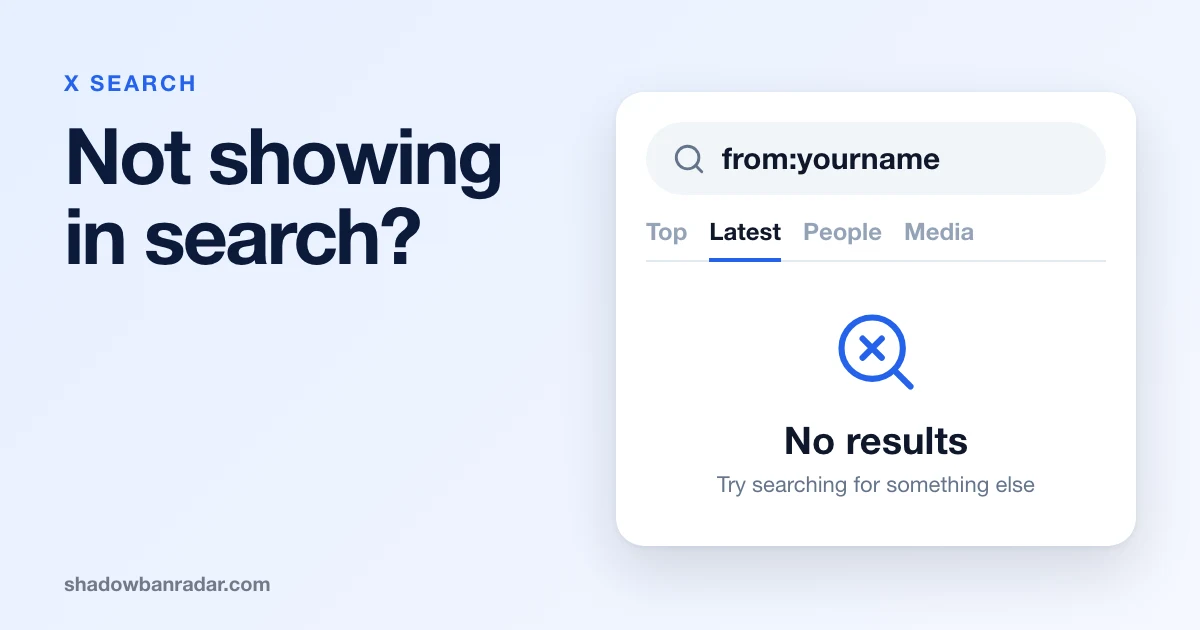
If your tweet is not showing in search on Twitter (X), the cause is not always a shadowban. Often it is the search itself: the tab, a filter, safe search or the way a hashtag is typed. X can also leave a post out without any penalty. Only some causes are restrictions on the account.
This guide sorts the causes in that order, quotes X's Help Center as read on November 5, 2026, and ends with a way to test properly.
Why are my posts not showing up in X search?
Posts go missing from X search for three kinds of reasons: how the person searches, how X handles the post, and a restriction on the account.
- The search: tab, filters, safe search, blocks and mutes.
- X without a sanction: spam identification, technical issues, experiments and quality checks.
- A restriction: a limited account, restricted reach, a search ban or a search suggestion ban.
Work through them in this order. A restriction is the last explanation to accept.
Can your own search settings hide a tweet?
Free, no login, results in seconds.
Yes. The tab, the filters and the safe search setting of the person searching can each hide a post that is still public.
- Tab. X's help page lists Top, Latest, People, Photos, Videos, News and Broadcasts as separate filters. Test in Latest before you conclude anything.
- People and place. In the iOS app, the filter icon limits results to "All people" or "People you follow", and to "Everywhere" or "Near you". "People you follow" hides every author you do not follow.
- Safe search. X says it "removes posts that contain potentially sensitive content and posts from blocked and muted accounts from search results". It applies on the web, in the iOS app and in X for Android.
- Advanced search. It can narrow results by words, language, place and date range. Check that none is set.
- Blocks and protected accounts. X lists a block and a protected account (for people who do not follow it) among the reasons a post is "unavailable to view".
Muted words are not a cause. X's page on advanced muting says: "Muting words and hashtags only applies to your notifications and Home timeline. You will still see these posts via search." Muted accounts are different, because safe search removes them.
Why is my tweet not showing in a hashtag?
A tweet may be missing from a hashtag because of how the hashtag is typed, because the account is not public, or because of the search settings above. X gives the typing rule: "You cannot add spaces or punctuation in a hashtag, or it will not work properly."
On a public account, X says, "anyone who does a search for that hashtag may find your post". The word is "may": X promises no listing.
X recommends "no more than 2 hashtags per post as best practice". Some hashtag habits go further and break X's Authenticity policy (April 2025), which forbids:
- "using trending or popular hashtags with an intent to subvert or manipulate a conversation or to drive traffic or attention to accounts, websites, products, services, or initiatives";
- "posting with excessive, unrelated hashtags in a single post or across multiple posts";
- operating several accounts to "boost" trending topics or hashtags.
The same policy lists "Restricting Reach" among its enforcement options, so a post that breaks these rules can be left out of search.
Is there a hashtag shadowban or a list of banned hashtags?
X's Help Center publishes no list of banned hashtags. Its pages on hashtags and on search name none. For trending hashtags, the X Trends FAQ has an entry titled "Are there rules for Trends?".
What people call a hashtag shadowban matches X's term "Restricting Reach": "excluding posts from search results, trends, and recommended notifications". X describes it for posts and accounts, not for hashtags.
X's published code agrees. Read at commit 021afa4, it has no ranking term or visibility rule aimed at hashtags. Its only mention is a list of recorded user actions, which includes tapping a hashtag.
Can X leave a post out of search without punishing the account?
Yes. X's page on limited reach says that some posts do not appear "outside of enforcement actions and safety features". It names two causes: "a post being identified as spam by our systems" and "some current technical issues and limitations of the service". X uses @Support to update the community about technical issues.
The same page lists other reasons a post may not be seen:
- "We are constantly running experiments on X which may limit the reach of certain posts."
- X may limit a post if it "is determined to be low quality".
- X may collapse "potentially abusive and low-quality replies", which remain accessible to those who look for them.
None of this needs a notice. X's published code cannot settle which case applies: none of the 9 visibility levels in its published rules is a search level, so the code does not cover search.
What does X say about restricted accounts and search?
X says that a limited account can be filtered out of search. Its page on locked and limited accounts reads: "During a limited state, your account and posts may be filtered out of certain places on X, including from search results and notifications."
A limited account comes with a message and a countdown: you select "Continue to X to initiate the countdown to restore your account features". If you saw no such message, the limited state is not the explanation X describes. Our guide to X's temporary label and limits explains each message.
Two more official statements name search:
- The Authenticity policy lists "Restricting Reach", which "may include excluding posts from search results, trends, and recommended notifications".
- The automation rules say that automated activity that breaks them can lead X to take action "including filtering your posts from search results or suspending your account".
For a single post, X says that since April 2023 posts it finds in violation receive labels "informing both post authors and viewers that we limited the post's visibility", and authors can appeal.
What are a search ban and a search suggestion ban?
Two restrictions people report concern search. X does not use these names: they are labels the shadowban community uses.
A search suggestion ban means your X account stops appearing in the dropdown suggestions when someone types your name or handle.
A search ban means your posts are removed from X search results: searching for them finds nothing, even for followers.
Our pages on the search ban and the search suggestion ban cover each one in depth. This guide covers the cases that look like them and are not.
What does each symptom point to?
Most symptoms below have a probable cause that is not a restriction. The last table holds the exceptions.
Causes on your side of the search
| Symptom | Probable cause | What to check |
|---|---|---|
| Found in Latest, not in Top. | Separate tabs. | Search again in Latest. |
| Found from a second account, not from yours. | Your filters, safe search, a mute or a block. | Settings, mute and block lists. |
| A friend cannot see it. | Their filters, a block, a protected account. | Test from a third account. |
| A post with an image is missing. | Safe search excludes sensitive content. | The media label. |
Causes on X's side, without a sanction
| Symptom | Probable cause | What to check |
|---|---|---|
| Hashtag shows other posts, not yours. | Spaces or punctuation, a protected account, many hashtags. | Retype it, check the account is public. |
| One recent post is missing. | Spam identification, technical issue, experiment. | Retest later, read @Support. |
Signs of a restriction
| Symptom | Probable cause | What to check |
|---|---|---|
Nothing for from:yourhandle in Latest on a second account. |
A search ban or a limited state. | Run the free check. |
| Handle missing from the dropdown, posts found. | A search suggestion ban. | Run the free check. |
| A message or label says reach is limited. | A limited state or a post-level restriction. | Read the message, appeal if wrong. |
A sensitive label deserves its own check. Our guide to the sensitive content label shows where those labels come from.
How do you test a missing tweet properly?
Test from outside your own session, in Latest, with one thing changed at a time.
- Sign in with a second account that does not follow you and has not blocked you. If a logged-out window asks you to sign in, use the second account instead.
- Search a unique phrase from the post, in quotes, and open Latest. Advanced search supports exact phrases.
- Search
from:yourhandlein Latest. Advanced search has a field for posts from a specific account, plus a date range. - For a hashtag, type it exactly as in the post, check the account is public, and open Latest.
- Type your handle, then your name, in the search box. See whether your account appears in the dropdown.
- On your own account, check safe search and the People filter, then repeat step 2.
- If only one post is missing, wait and test again later.
One missing result on one day is a clue, not a verdict. Two or three tests that agree are worth more.
How do you know whether a restriction explains the missing tweet?
A manual search shows what one account sees. A free check tests the account from the outside. Shadowban Radar runs a free Twitter (X) shadowban test on any public account, with no login or password: 4 checks (search suggestion ban, search ban, ghost ban, reply deboosting), a verdict, and a confidence level for each check.
Two of the four answer this guide: the search suggestion ban and the search ban. The ghost ban and reply deboosting cover replies. Run the check on your handle to see all four.
If a check fails, the steps to fix a Twitter shadowban are the next page to read. If none fails, the causes earlier in this guide remain.
What should you do once you know the cause?
- If the cause is on your side, change the setting and search again.
- If X has left a post out without a sanction, retest later and follow @Support for known issues.
- If X has restricted the account, follow the steps in its message. X's page on locked and limited accounts says: "If you feel that your account has been limited in error, you can appeal by contacting our support team." The Authenticity policy says: "If you believe we made a mistake, you can submit an appeal."
No page can tell you when a restriction ends. Repeat the same test later and compare.
Sources
Read on November 5, 2026, on X's Help Center and in the xai-org/x-algorithm repository at commit 021afa4, published November 5, 2026.
- X Help Center, How to use X search: tabs, filters and safe search.
- X Help Center, How to use advanced search: words, language, people, place and date filters.
- X Help Center, How to use hashtags: the typing rule, "may find your post" and the 2 hashtag recommendation.
- X Help Center, How to use advanced muting options: muted words and search.
- X Help Center, About specific instances when a post's reach may be limited: safe search, experiments, spam identification and technical issues.
- X Help Center, Help with locked or limited account: the limited state and search results.
- X Help Center, How we enforce our rules: excluding posts from search results and the post labels of April 2023.
- X Help Center, Authenticity (April 2025): hashtag rules and Restricting Reach.
- X Help Center, Automation rules: filtering posts from search results.
- X Help Center, Notices on X and what they mean: posts unavailable to view.
- X Help Center, X Trends FAQ: the entry "Are there rules for Trends?".
- safety_level.rs: the 9 visibility levels, none for search.
- constants.py: the only hashtag mention, a tap on a hashtag in a list of recorded actions.
Shadowban Radar is not affiliated with X Corp.